

Build resilient AI agents that route requests to appropriate tools and workflows. Restate ensures all routing decisions, tool calls, and interactions are durably logged with automatic retries and recovery.Documentation Index
Fetch the complete documentation index at: https://restate-6d46e1dc-pavel-xumzvomylzon.mintlify.app/llms.txt
Use this file to discover all available pages before exploring further.
How does Restate help?
Restate provides durable execution for tool routing and execution:- Durable routing decisions: LLM routing choices are persisted and recovered after failures
- Resilient tool execution: Tool calls are wrapped with retries and failure recovery
- Distributed tool communication: Call remote tools as regular functions with end-to-end durability
- Workflow orchestration: Implement complex multi-step processes with state management and scheduling
- Works with any LLM SDK (Vercel AI, LangChain, LiteLLM, etc.) and any programming language supported by Restate (TypeScript, Python, Go, etc.).
Option 1: Local tools with durable execution
What it provides:- Execute tools within the same service/process
- Automatic retries and failure recovery for each tool call
- Wrap the entire tool execution in
ctx.run()for durability. - Do multiple Restate Context actions within the tool for finer-grained durability and retries.
Option 2: Remote tools as separate services
What it provides:- Tools can scale independently
- Tools can run on different infrastructure (e.g. serverless or Kubernetes) or languages
- Tools can run asynchronously: agent can kick off work and return early
- Durable communication between services
Example
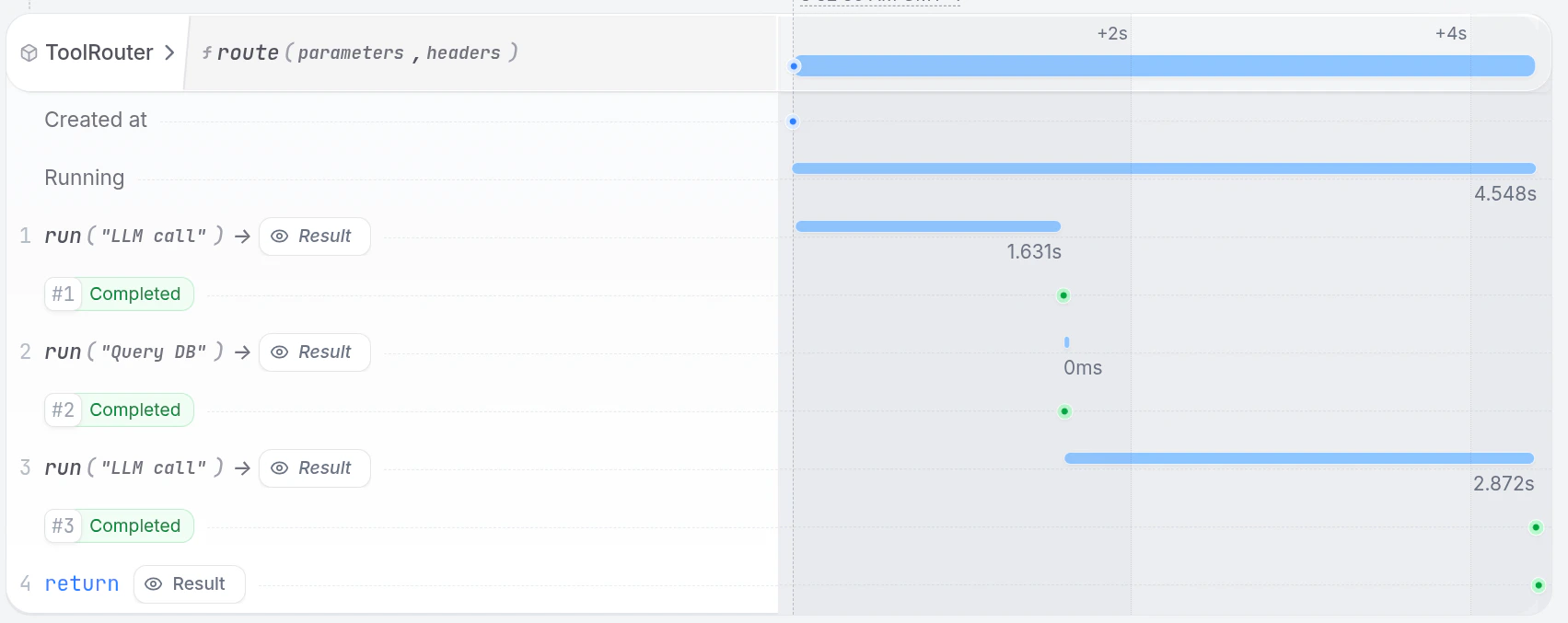
This example implements an example of a local tool (querying the user database) and a remote workflow (creating a support ticket) for a technical support agent.- Define tools according to your AI SDK requirements
- Wrap LLM calls in
ctx.run()for persistence - Process tool calls in a loop until the LLM returns a final answer
- Local tools get wrapped in
ctx.run()for durability and retries (see tool call to query user database) - Remote tools get called with the SDK client (see tool call to create support ticket)
- Local tools get wrapped in
Run the example
Run the example
Requirements
- AI SDK of your choice (e.g., OpenAI, LangChain, Pydantic AI, LiteLLM, etc.) to make LLM calls.
- API key for your model provider.
Start the Service
Export the API key of your model provider as an environment variable and then start the agent. For example, for OpenAI:
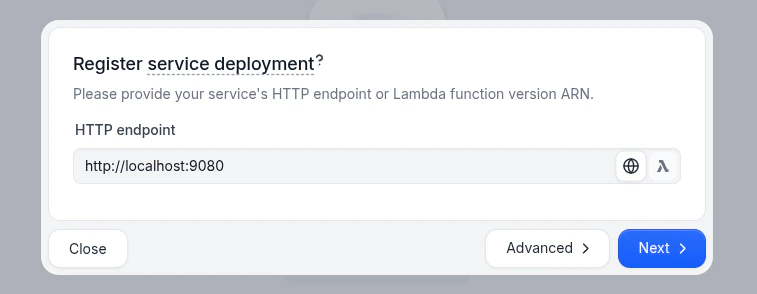
Send a request
In the UI (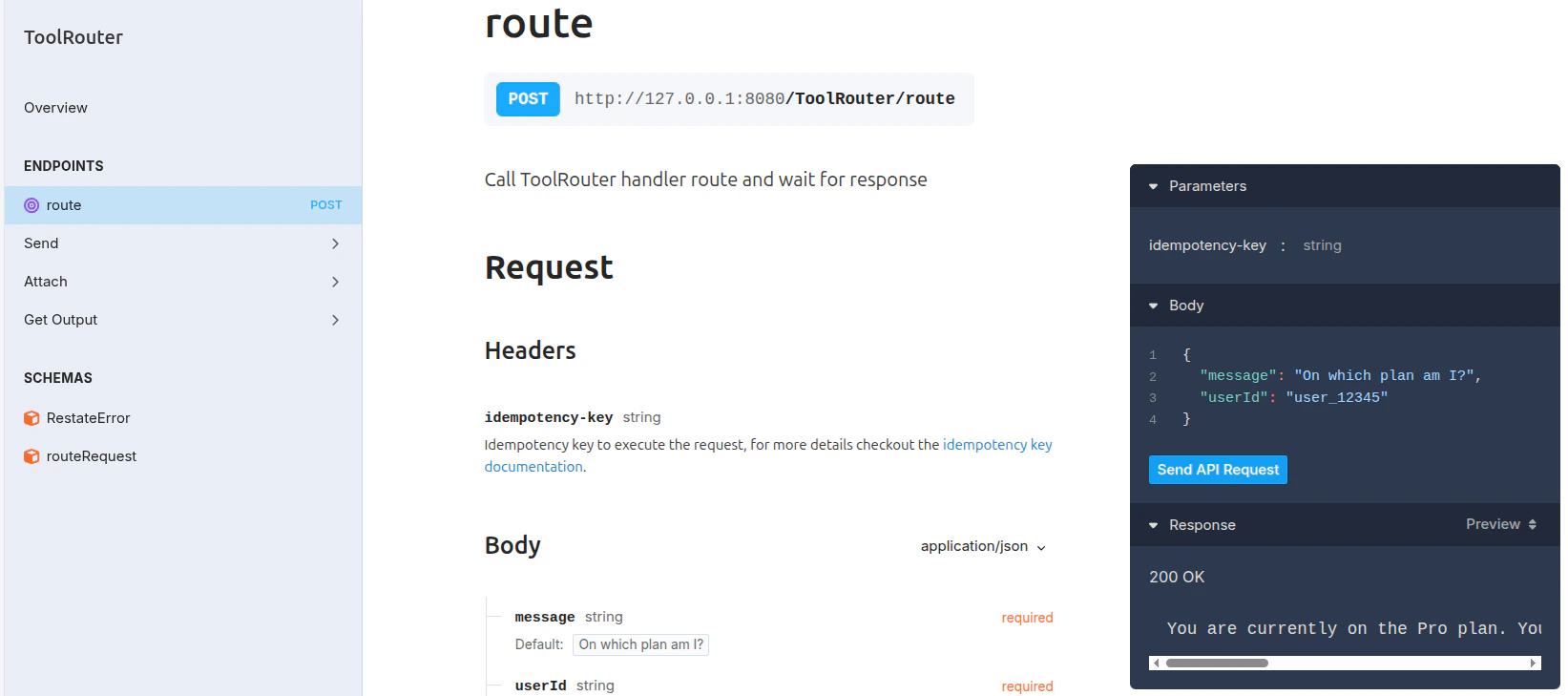
http://localhost:9070), click on the route handler of the ToolRouter service to open the playground and send a default request: